
Join a Valheim server by IP address
How to join a Valheim dedicated server with Add server, which port to use, crossplay join codes, and what to do about a wrong password or version.
You need the server's address and port, such as 203.0.113.24:2456, and its password. The port is the one the server was started with; it also uses the next one, but you join on the first.
Join by IP
- In the main menu, choose Start Game.
- Pick your character and choose Start.
- Open the Join Game tab and choose Add server.
- Enter the address as
IP:port. A domain name works too. - Select the server in the Favorite list and choose Connect.
- Type the server password when the game asks for it.
The address stays in Favorite, so next time it's one click. A red cross on the server's icon there means the game couldn't read the server's name and player count. An unlisted or crossplay server never answers that query, so the cross shows even though you can connect.
The server lists
- Community: every public server. Search for its name. A server started with
-public 0is not listed; join it by IP. - Friends: games your Steam friends are hosting or in.
- Favorite: servers you added yourself.
Crossplay and join codes
A server started with -crossplay takes players from every platform. It gets a 6-digit join code, which players enter in the same Add server box. The code is in the server's log (registered with join code) and can change when the server restarts. Joining by public IP and port still works, but not on a local or loopback address.
If you can't get in
- Wrong password
- Passwords are case-sensitive; ask the host for the current one.
- You're running an older version of Valheim that is incompatible with this server
- Update your game in Steam, then try again.
- This server is running an older version of Valheim that is incompatible with your version
- The host needs to update the server and restart it.
- Server full
- A Valheim server takes 10 players at most.
- Banned
- Your ID is in the server's
bannedlist.txt. A server with apermittedlist.txtalso turns away everyone not on it. See admins and bans. - Failed to connect
- Check the address and port, wait a minute if the server just started (a new world takes a while to generate), and check that UDP 2456 and 2457 are open on the host.
- A modded server turns you away
- Install its mods first and start the game with them. See joining a modded server with r2modman.
The address is on the server page
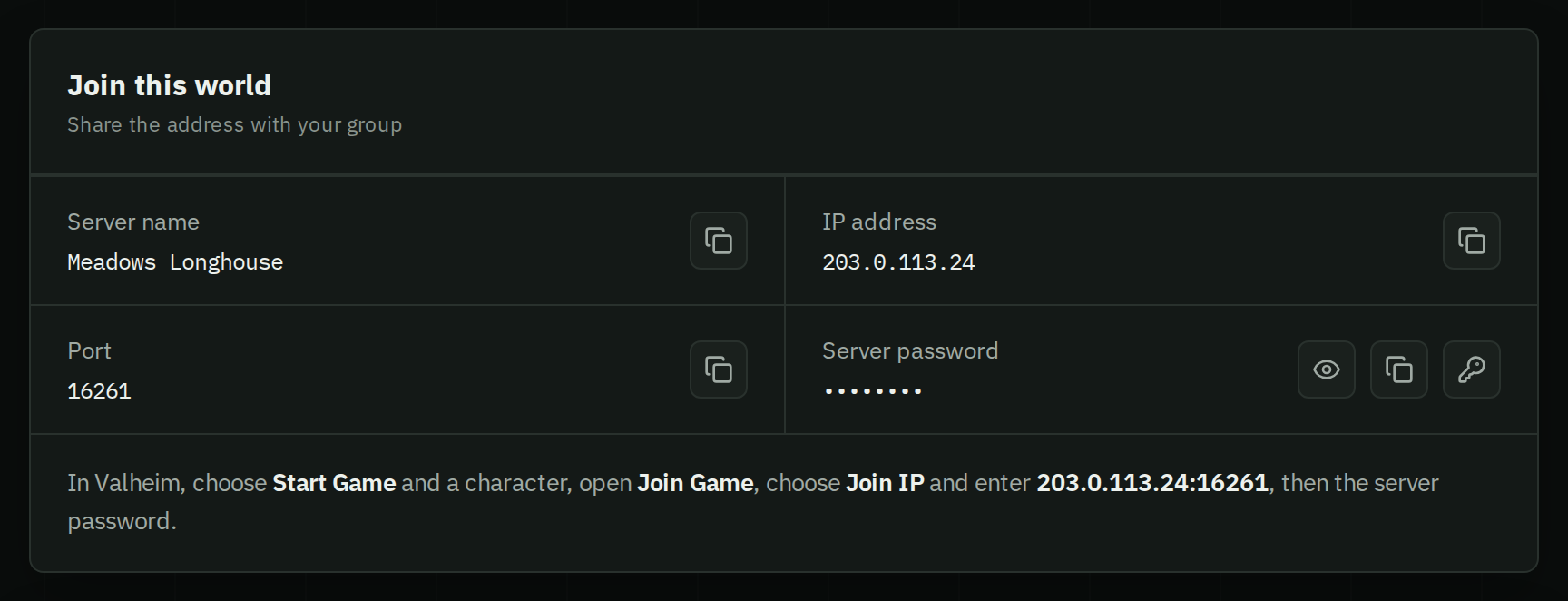
Your server's Overview shows the server name, IP address, port and password, each with a copy button, and the steps to join. A crossplay server's join code is in its Console tab. HostForge keeps the server on the current game version, so a version mismatch usually means your game needs updating.
Hosting it yourself? See setting up a dedicated server.