
Move your Enshrouded world to a dedicated server
Find your Enshrouded world file, copy it to a dedicated server as world0.ksd, and bring over worlds from before 1.0. Characters stay on each PC.
A dedicated server always loads the world named world0.ksd. Copy your world into its savegame folder under that name. Characters live on each player's PC, not in the world, so everyone keeps theirs.
1. Find your world
- Your PC:
%USERPROFILE%\Saved Games\Enshrouded. With Steam Cloud on, alsoSteam\userdata\<your Steam ID>\1203620\remote. - A dedicated server: the
savegamefolder next toenshrouded_server.exe.
Since version 1.0, each world is one file per save slot, world0.ksd to world9.ksd, plus backup copies whose names start the same way. Pick the newest file if you're unsure which slot is yours.
2. Copy it to the server
- Stop the server with Ctrl + C so it saves.
- Back up the server's
savegamefolder. - Copy your world file into
savegameand rename it toworld0.ksd, replacing the one there. Rename its backup copies the same way, or leave them out. - Start the server.
Worlds from before 1.0
Older worlds are sets of files named by an ID: 3ad85aea for the first world, 3bd85c7d for the second, and so on, each with _info, -index and numbered copies. The server loads 3ad85aea and converts it to the 1.0 format when it starts. Name your world's files 3ad85aea… and leave no world0.ksd next to them.
If the server starts a new world
- The file is not named
world0.ksd, or not directly in the foldersaveDirectorypoints to. - The server and the world are on different game versions: update the server.
- Want to restore an earlier state? Copy back the backup you made in step 2.
Upload it, any slot
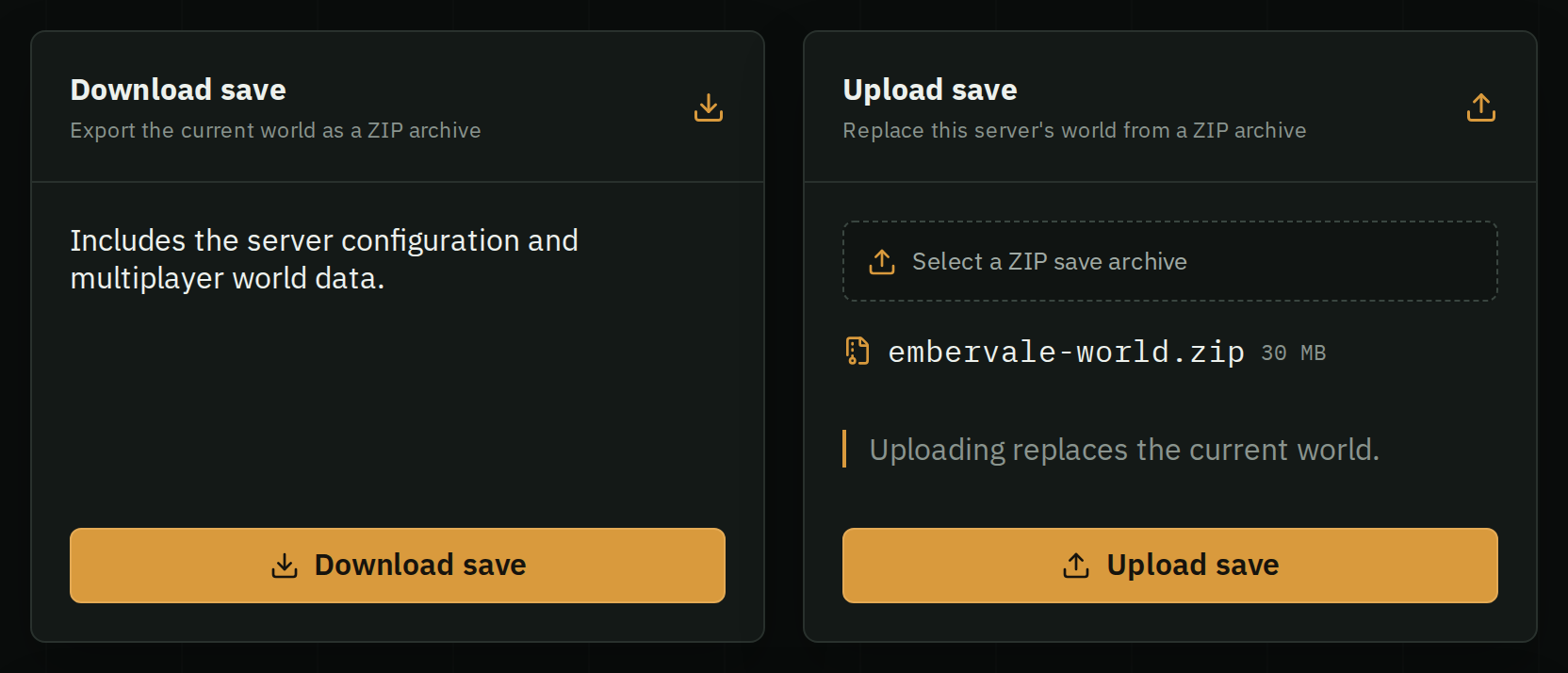
ZIP your save folder or just the world file, stop your server and use Backups › Upload save. HostForge finds the world, renames any slot to world0.ksd with its backups, and keeps your server's passwords and settings. One world per ZIP, up to 256 MB.
New to dedicated servers? Start with setting one up.