Set up an Enshrouded dedicated server
Install the Enshrouded dedicated server from Steam Tools or SteamCMD, start it, set passwords in enshrouded_server.json, open UDP port 15637 and join.
The Enshrouded dedicated server runs on Windows. It keeps your world online without anyone hosting from their game. Keen recommends 6 CPU cores, 16 GB of memory and 30 GB of free disk space for 4–6 players; the server itself uses about 4.5–6 GB of memory.
1. Install the server
In your Steam library, turn on Tools and install Enshrouded Dedicated Server. It comes with the game. Or download it with SteamCMD (Steam app 2278520):
steamcmd +force_install_dir C:\enshrouded-server +login anonymous ^
  +app_update 2278520 validate +quit
Linux is not supported by Keen; the Windows server can run under Wine or Proton, which is what HostForge does.
2. Start it once
- Open the server folder and run
enshrouded_server.exe(not Steam's Launch button). - Wait until the window shows
[Session] 'HostOnline' (up)!. The server has createdenshrouded_server.jsonand a new world in thesavegamefolder. - Stop it with Ctrl + C so it saves.
3. Set a name and passwords
Open enshrouded_server.json next to the .exe in a text editor:
name: the name in the server list.slotCount: players, 1 to 16.userGroups: one password per role. The password a player types decides what they may do. See passwords and roles.gameSettingsPreset: the difficulty. See every setting.
Save the file and start the server again.
4. Open the port
- The server uses one port, the
queryPort:15637UDP by default. - Allow it through Windows Firewall.
- At home, forward it from your router to the server's local IP address.
5. Join
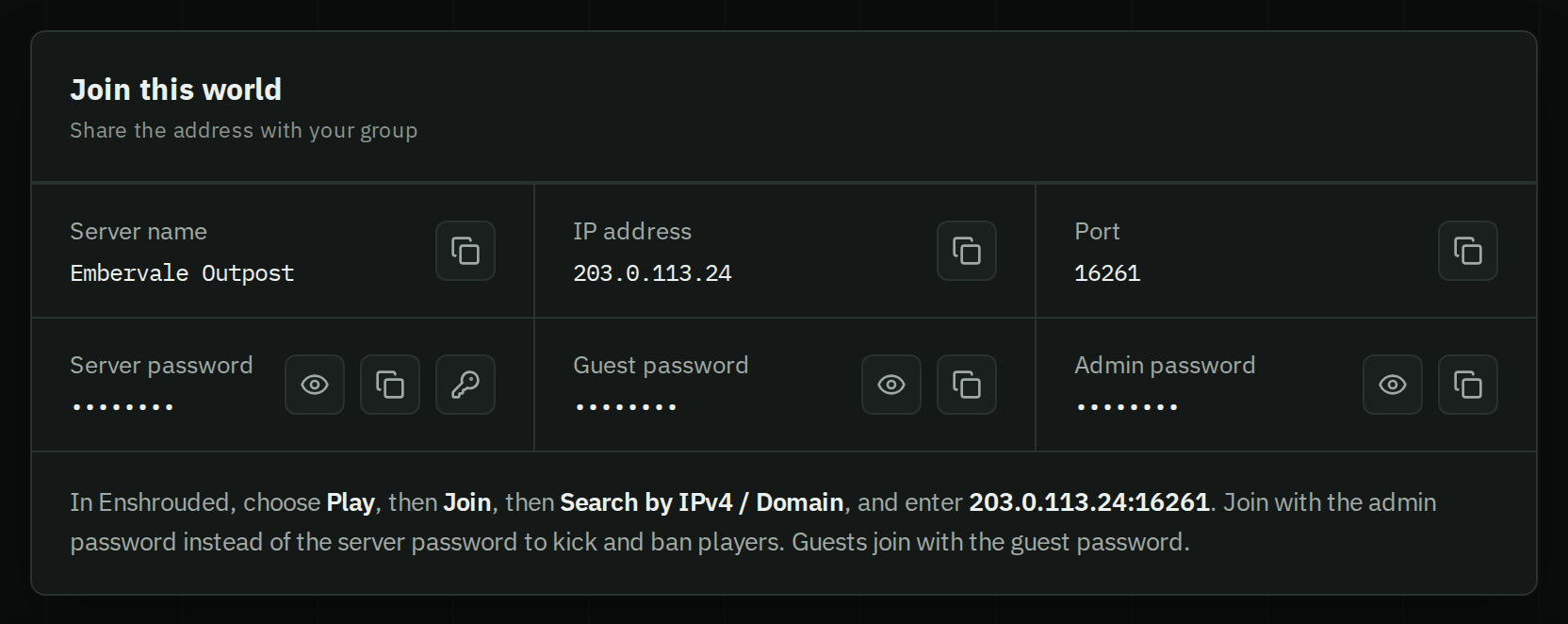
In Enshrouded, choose Play › Join › Search by IPv4 / Domain, enter your public IP address and port as IP:15637, then a password. More in joining a server by IP.
Keeping it running
- Players can only join a server on their game version. After an Enshrouded update, update the server (Steam or SteamCMD) and restart it.
- The server saves every few minutes into
savegame. Copy that folder now and then as a backup.
Skip all of this
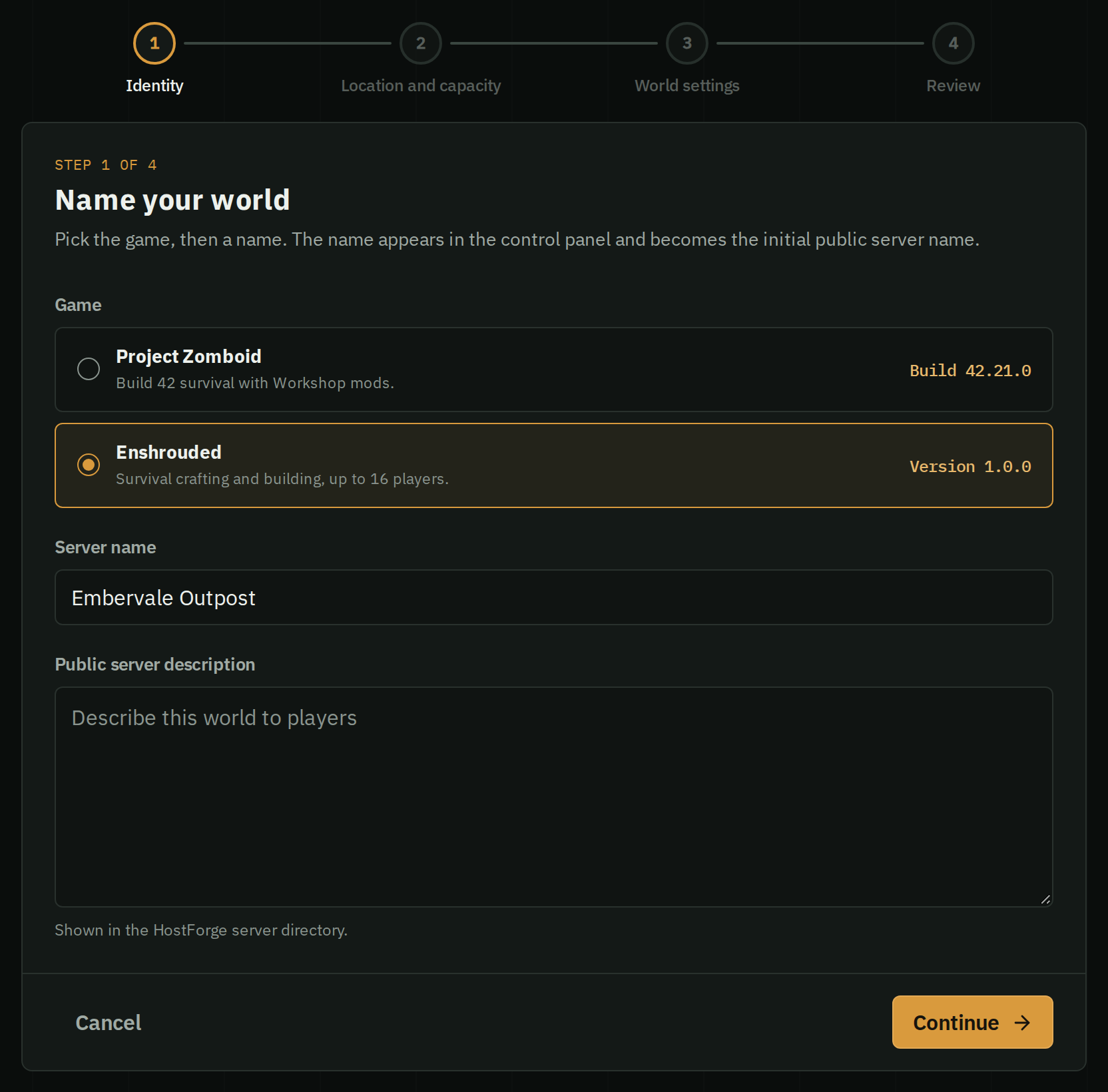
Pick Enshrouded, a name and a region, and start it. HostForge runs the server, opens the port, prepares each new game version so a restart moves you onto it, and backs the world up every day. You get an address and passwords to share.