
Viewpoint built in
Tick one box and HostForge adds Project Viewpoint and ZombieBuddy in the right load order, then shows each player the one-time setup for their PC.
Run a persistent Build 42 multiplayer world for your group without leaving a PC on. Start a free Co-op server with Workshop mods, browse community worlds, and bring your save from another host.
203.0.113.24:16261Illustrative values, not a live server.
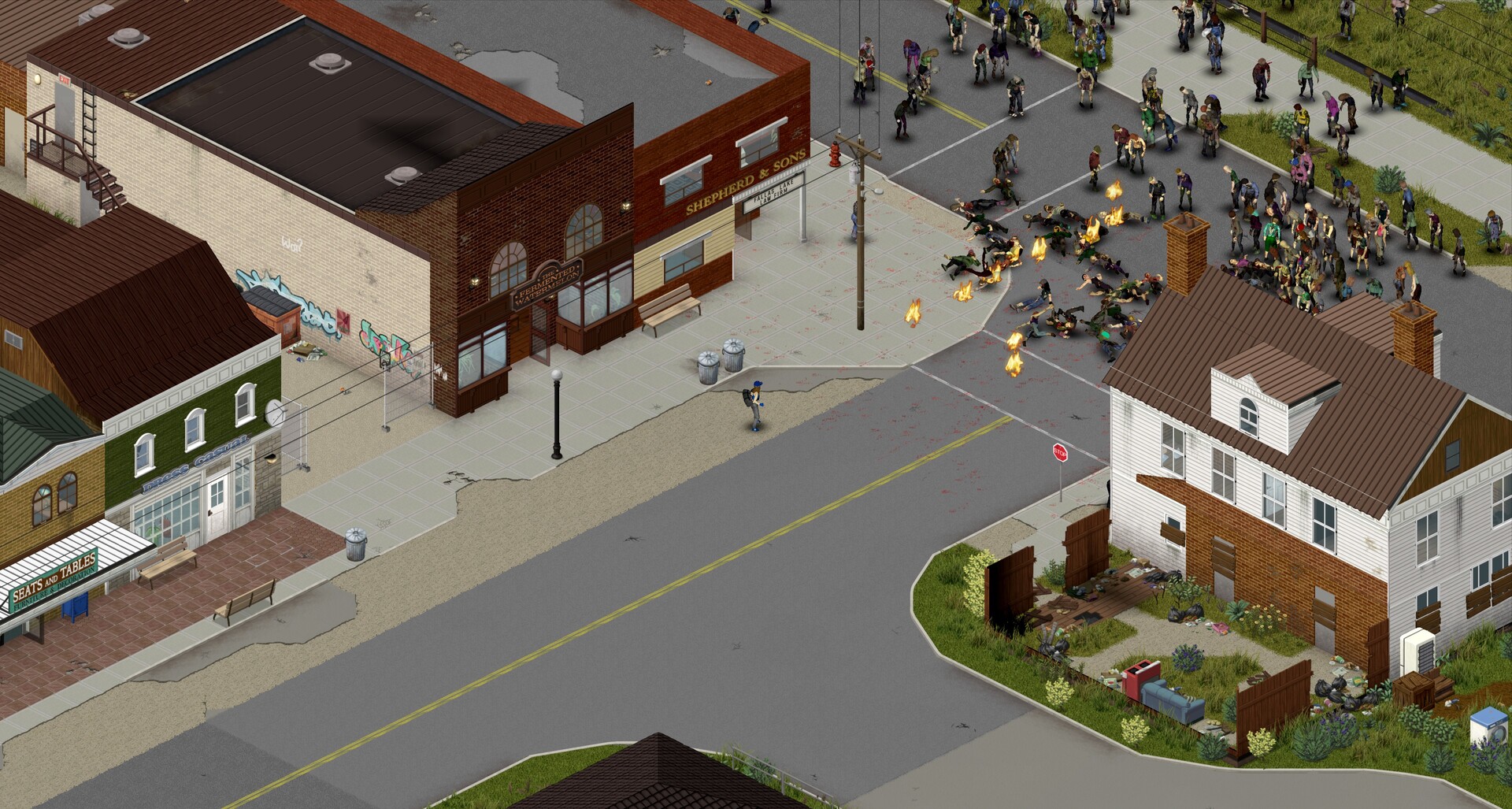
Keep Project Zomboid's isometric view, or turn on Project Viewpoint and see Knox County in 3D, from your character's eyes or over the shoulder. Every player switches with one key.
 O
O Shift + O
Tick one box and HostForge adds Project Viewpoint and ZombieBuddy in the right load order, then shows each player the one-time setup for their PC.
Add the 3D World pack for 3D furniture, fences, windows, doors and trees, and shelves that show their loot. HostForge picks the add-ons and keeps them current.
Servers run on fast CPUs with plenty of memory, so Viewpoint and its 3D packs are handled with ease, alongside the rest of your mod list.
HostForge keeps infrastructure decisions close to the game setup, so your group can get from settings to a shareable address without a separate server admin ritual.
Start with the decisions your players will notice.
Pick the player count and memory your group and mod load need.
Follow live progress, then share the connection address.
HostForge gives your group the practical tools it needs after launch, without a separate server admin.
Search the Project Zomboid Workshop from the control panel and add mods to your server. HostForge downloads them and writes the mod settings for you.
Servers run on dedicated hardware in North America and the EU, with direct player connections. Pick the region closest to your group.
Upload a save ZIP from your current host. HostForge remaps the world so existing characters are recognized.
Every world has its own players, and HostForge highlights what they are known for: longest lives, zombie kills, skills and more.
Run a persistent Co-op world for your group at no cost. Spots are limited and no end date is set. If that ever changes, you get at least 30 days' notice and time to download your world.
Start free beta serverHostForge is in beta, and beta servers are free. Each account can run one free Co-op server for up to 8 players with a persistent world. If you need higher capacity for more players or heavy mod lists, request a custom server when you create yours and our team sizes and approves it.
HostForge stays free until further notice, and no end date is set. We will give you at least 30 days' notice before that changes. Your server and world stay as they are, and you can download your save from the Backups tab at any time.
Yes, from Thunderstore. Add mods on your server's Mods tab; HostForge adds what they need and BepInEx, and players install the same mods with the tab's r2modman profile code.
Yes, with Project Viewpoint. Tick it when you create the server or in its Mods tab, and add the Fixes, 3D World or Gore packs if you like. HostForge sets up the server; each player installs ZombieBuddy once, then presses O for first person and Shift + O for third person, or stays isometric.
Players join with their normal Project Zomboid client. They only need the same mods as the server when a modded world is configured, and ZombieBuddy for Project Viewpoint.
Yes. Stop the server, open the Backups tab, and upload a ZIP of your Project Zomboid save. Archives from other hosts are remapped so existing characters are recognized. Server settings and mods are configured separately.
Yes. Your world and configuration live outside the game container, and HostForge takes a daily backup, keeping the last seven. You can also download the save at any time.
In North America and the EU, on dedicated hardware. Choose the region closest to your players when you create the server. Players elsewhere can still join, with higher ping.
Browse public Project Zomboid worlds by name, status and region, open a server profile, and see live player activity and community highlights before joining.